Inspect
Hardware diagnostics
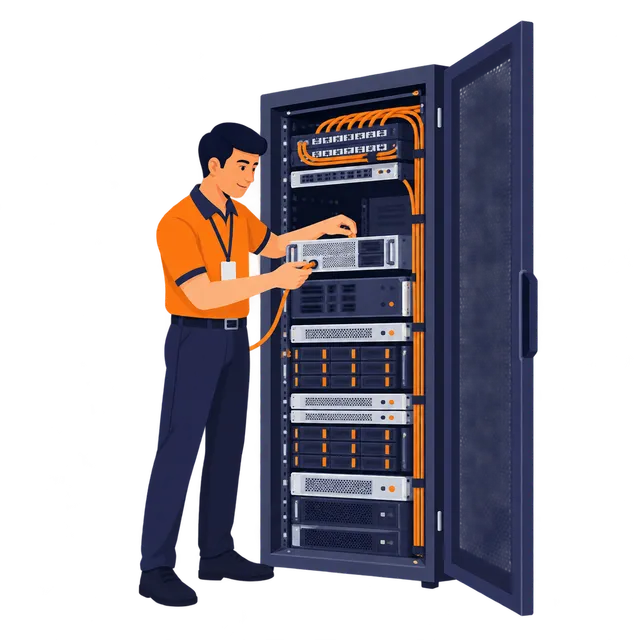
Check indicators, connections and reported faults. Coordinate observations and next steps with your administrator.
// Onsite work. Clearly authorized.
Coordinate physical work on your equipment without making every maintenance task a site visit.
Arrange remote hands ↗Software troubleshooting beyond the agreed physical task can be scoped through server management.
Inspect
Check indicators, connections and reported faults. Coordinate observations and next steps with your administrator.
Connect
Trace cables, carry out approved patch changes and verify the intended connection.
Maintain
Assist with compatible disks, memory or power supplies under the agreed procedure.
Provision
Provide console and installation assistance using approved media and instructions.
Confirm the device, requester and action.
Agree the window, parts and checklist.
Follow approved steps and escalate unexpected conditions.
Document observations and confirm completion.
// Before you get started
The details that matter for datacenter remote hands.
Yes, subject to authorization, compatibility and the agreed scope. Identify the device and specify the action, maintenance window and stop conditions.
Do not assume parts, shipping or consumables are included. Confirm who supplies compatible components and which labor charges apply.
Response windows and emergency arrangements depend on your agreement and availability. Open a ticket for existing services and confirm time-sensitive work with the team.
// Your next step
Include the service identifier, device details, authorized task, access window and a contact who can approve changes or stop the work.